
"Let me check with the plant and get back to you."
Every time you have to check with the plant, the customer waits. Not every customer will.
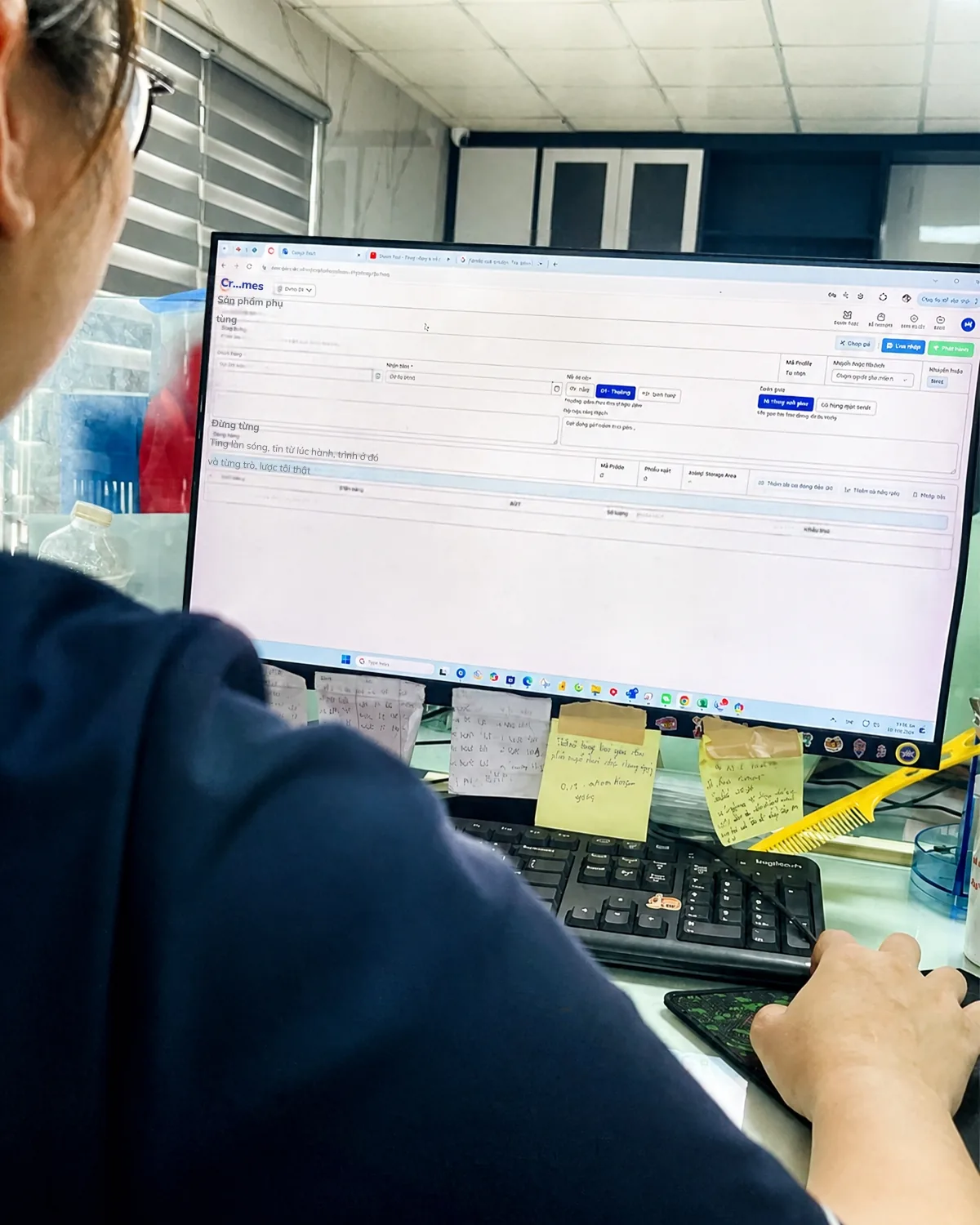
What sales expects
Answer customers on the spot
See which step an order is at and how much is done, without calling the floor.
Delivery dates you can keep
Dates based on the real progress of each work order, not guesswork.
Know before the customer asks
At-risk orders are flagged before the due date, in time to warn the customer.
Fewer arguments with production
Sales and production look at the same numbers.
Ship the right goods, in full
Delivery orders, picking status and shipments live in one system; no need to ask the warehouse.
No order falls through the cracks
All your orders in one list, with status from production through delivery.
Four situations every week
| The customer asks | Before | With ControlMES |
|---|---|---|
| "Where is my order?" | Ask planning, then the supervisor. Half a day, sometimes a full day. | See which step the order is at, how much is done, and the expected date. Answer on the spot. |
| "When can you ship a new order?" | Wait for a meeting, one to three days. | Check the progress of every order and work order, and give a delivery date you can stand behind. |
| "Why didn't you tell me sooner?" | Sales finds out when the customer calls. | Know an order will be late before the due date, and tell the customer first. |
| "Has it shipped? Is it complete?" | Call the warehouse, wait while they check. | Check the delivery order right away: how much has shipped, what is still missing. |
What sales sees in ControlMES
Order tracking
- Your orders and the status of each one.
- Which step each order is at, how much is done, and the expected completion date.
- Orders at risk of being late, flagged before the due date.
Delivery
- Create delivery orders directly in ControlMES when goods are ready.
- Track how the finished-goods warehouse is preparing each delivery: how much is picked, what is still missing.
- Know whether an order has shipped, and whether it shipped in full or is still short.
- Finished-goods stock by order, ready to ship.
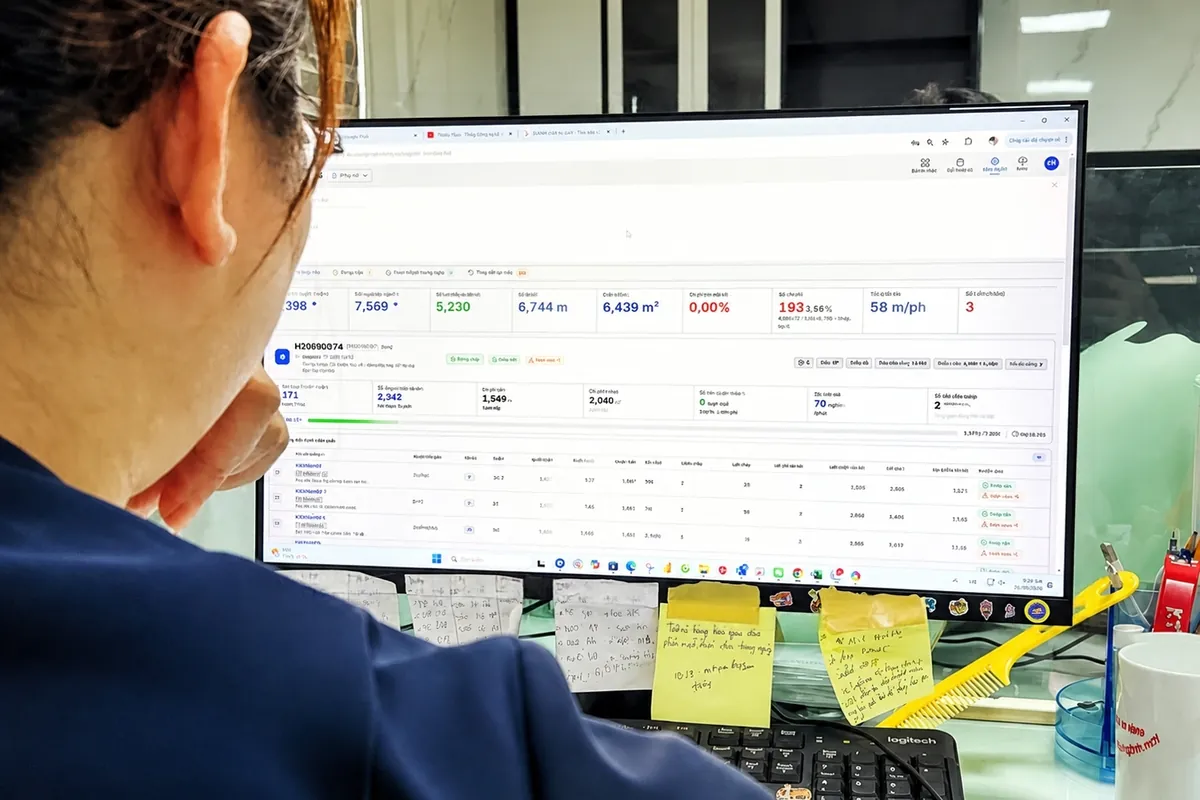
The same numbers as production
When sales and production look at the same numbers, commitments to customers are more realistic and internal arguments drop.
Easy to use
One screen shows where each order is. No new software to learn.
One order, from intake to delivery
| Step | What sales does in ControlMES |
|---|---|
| Order received | Check progress on running orders to give a delivery date you can stand behind. |
| In production | Track which step the order is at and how much is done; get alerts if it is at risk. |
| Goods finished | See finished goods received into the warehouse; create the delivery order. |
| Preparing shipment | Track the warehouse picking against the delivery order: complete or still short. |
| Shipped | Confirm the order shipped in full; answer the customer the moment they ask. |
Your role in the project
Sales is the key user of the order and delivery features.
- Provide the customer list, running orders and delivery requirements (delivery schedules, packing specs) so the system is configured correctly.
- Agree with planning on how delivery dates promised to customers are set.
- Give feedback on the order-tracking and delivery screens.
- During the pilot, compare the expected delivery dates in the system with actual delivery dates.
Management allows sales to see production data.
Contact
A 1-day on-site assessment, free of charge. You receive a report on your three biggest bottlenecks, and the report is yours to use as you wish.